How to export your Instagram information
Follow these steps to get your Instagram export ZIP file ready for Carnets.
1 / 6
Your Instagram memories deserve a safer home. Here's how to get your data out — it takes less than 5 minutes !
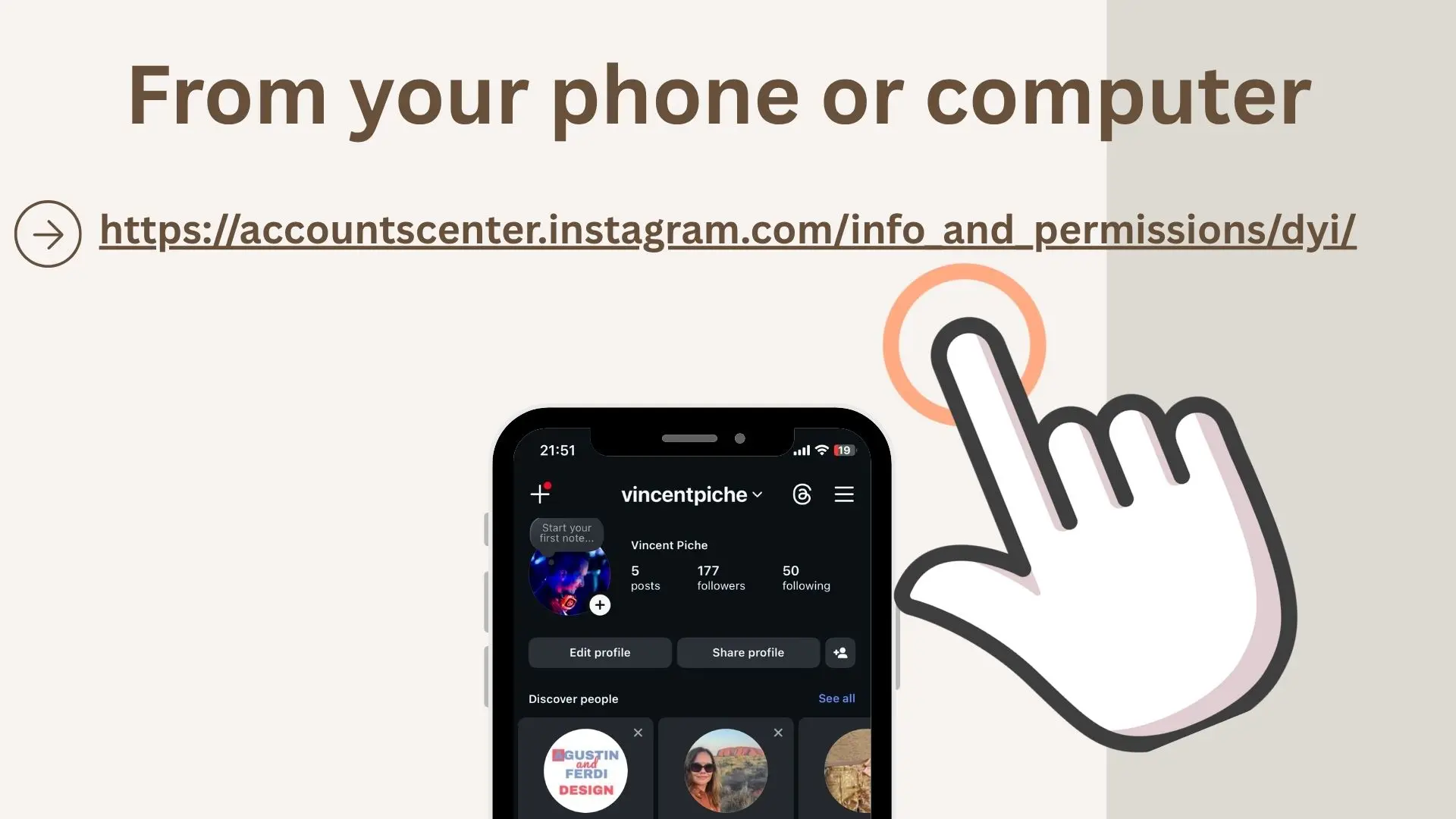
From your phone or computer, go to https://accountscenter.instagram.com/info_and_permissions/dyi/
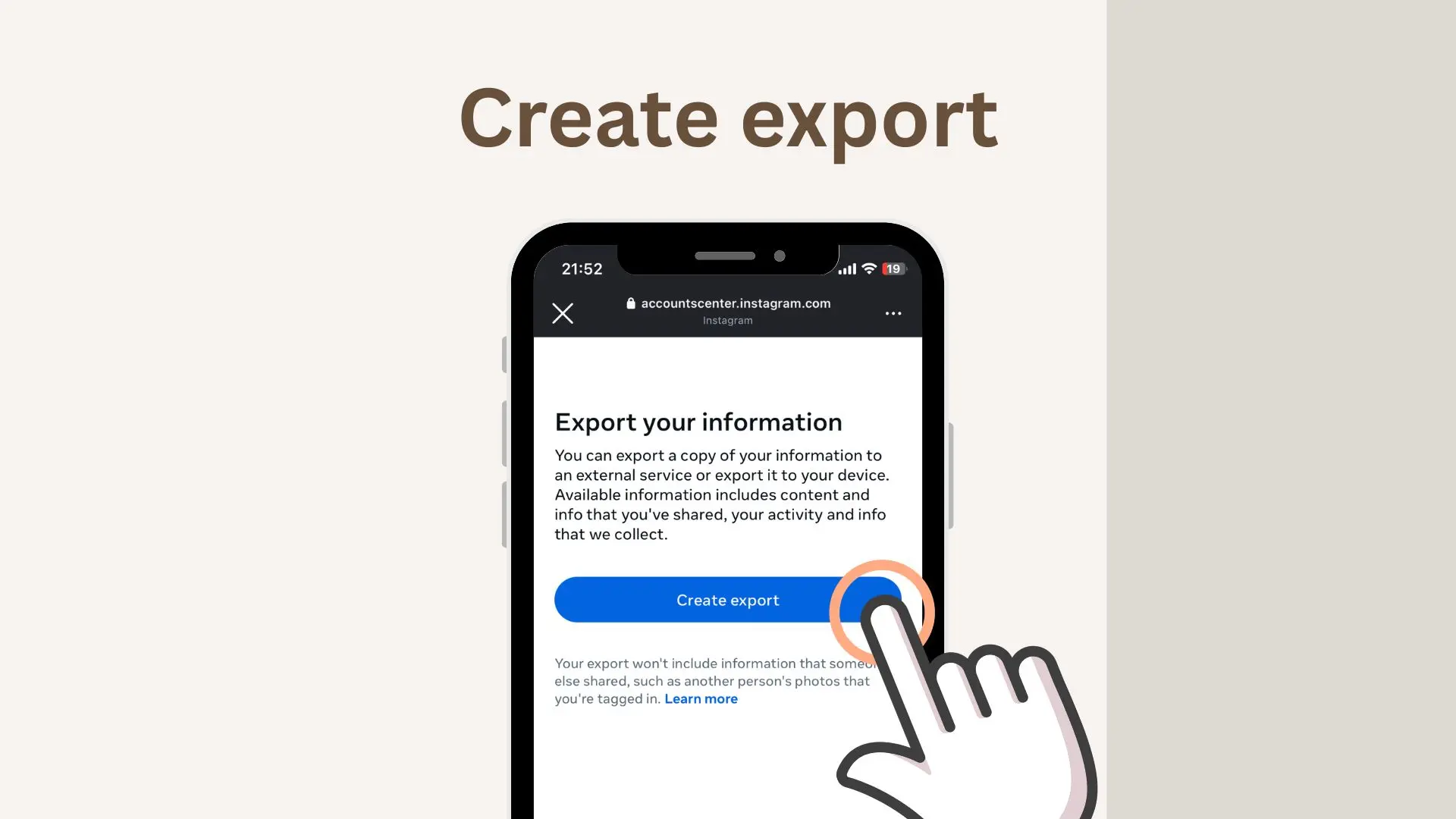
Tap 'Create export'
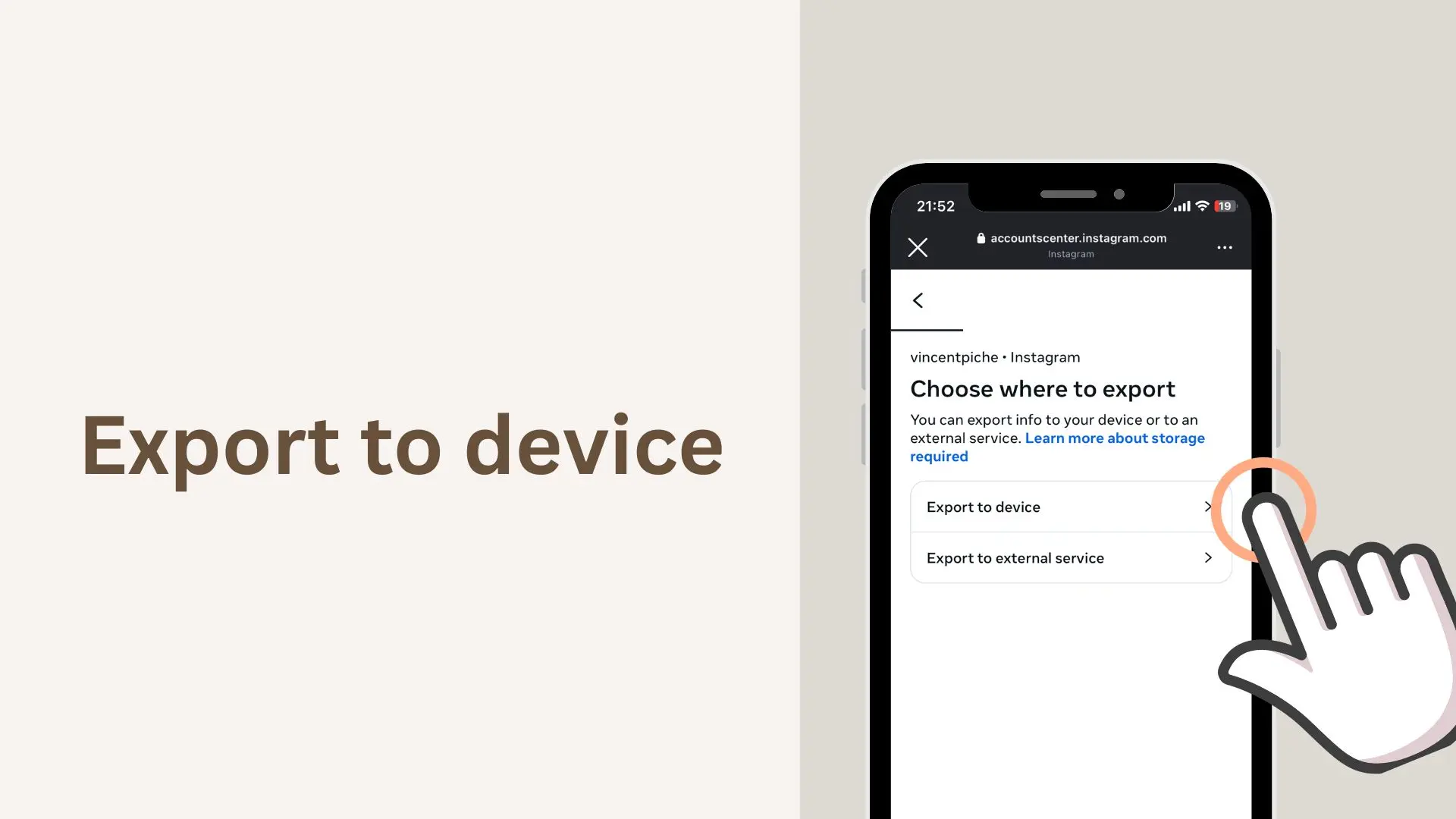
Tap 'Export to device'
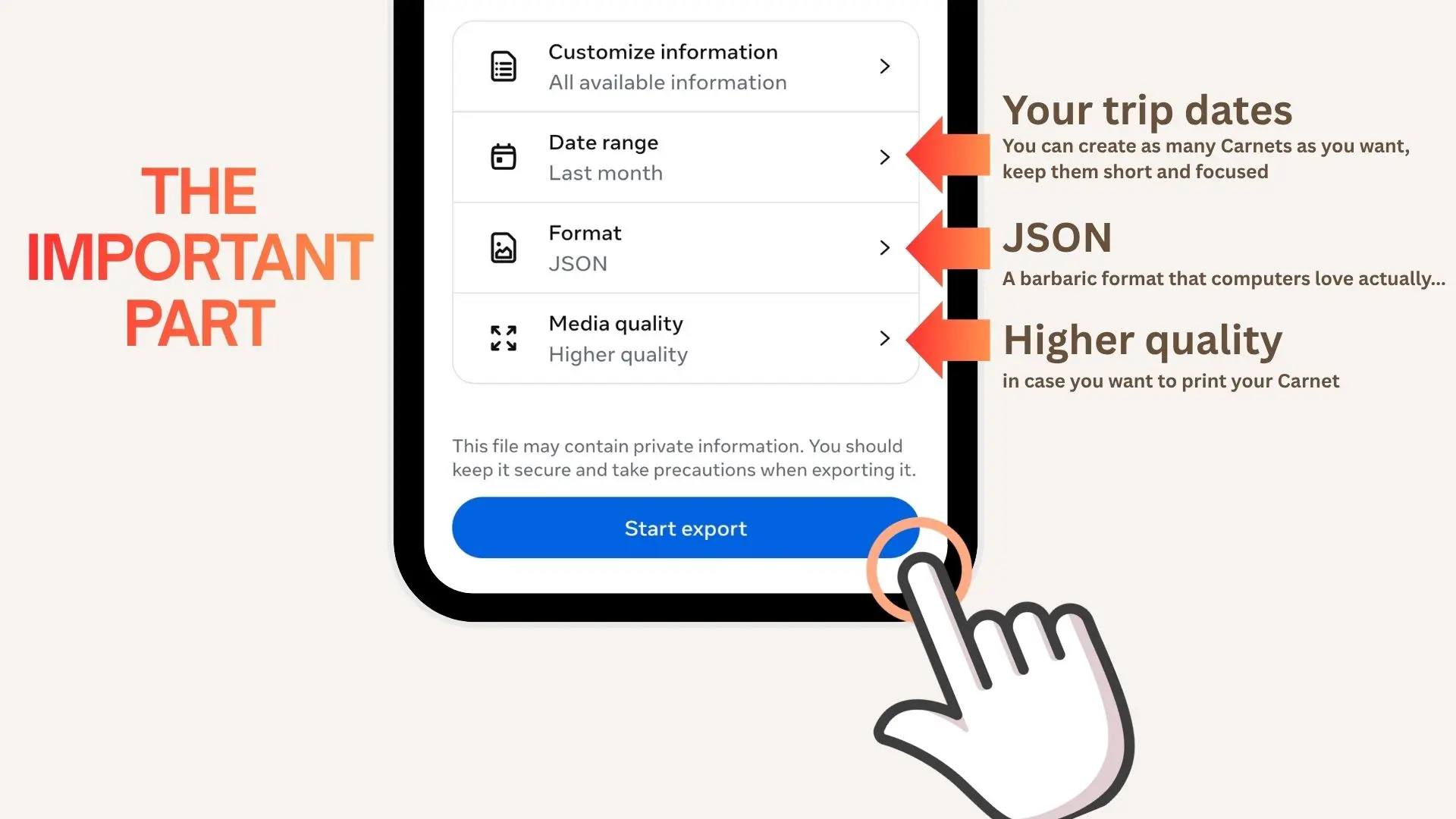
• Date range → your trip dates only, not your entire Instagram history.
• Format → JSON.
• Media quality → Higher quality.
'Start export'
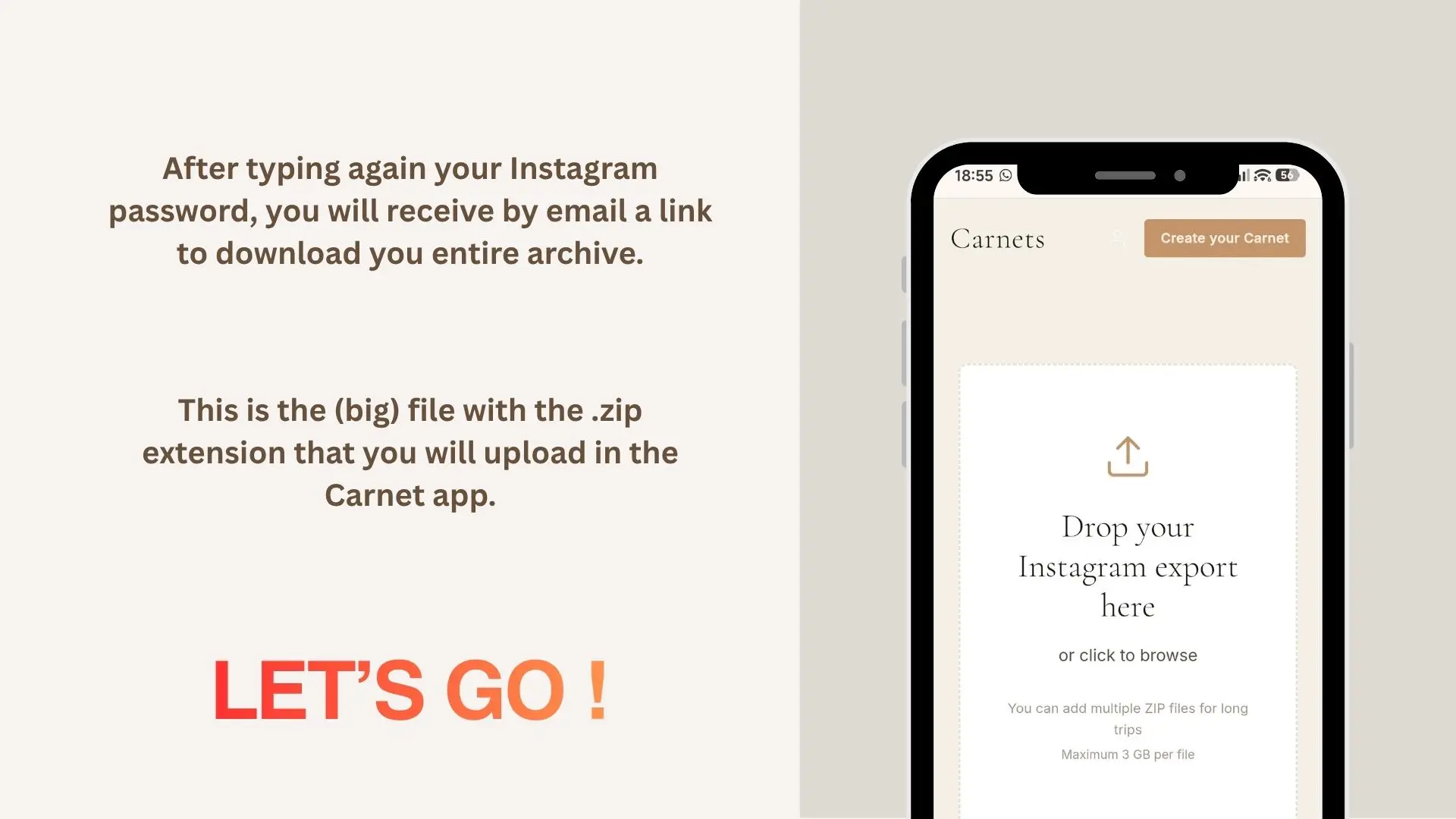
Instagram will send you an email with a download link — usually within an hour. Download the ZIP file. That's the file you'll upload to Carnets. You're ready, let's go!